Usage Guide
To access the backoffice you need to have an account on GitHub and be authorised by a system admin, like Oskar or John.
Adding Your Updates
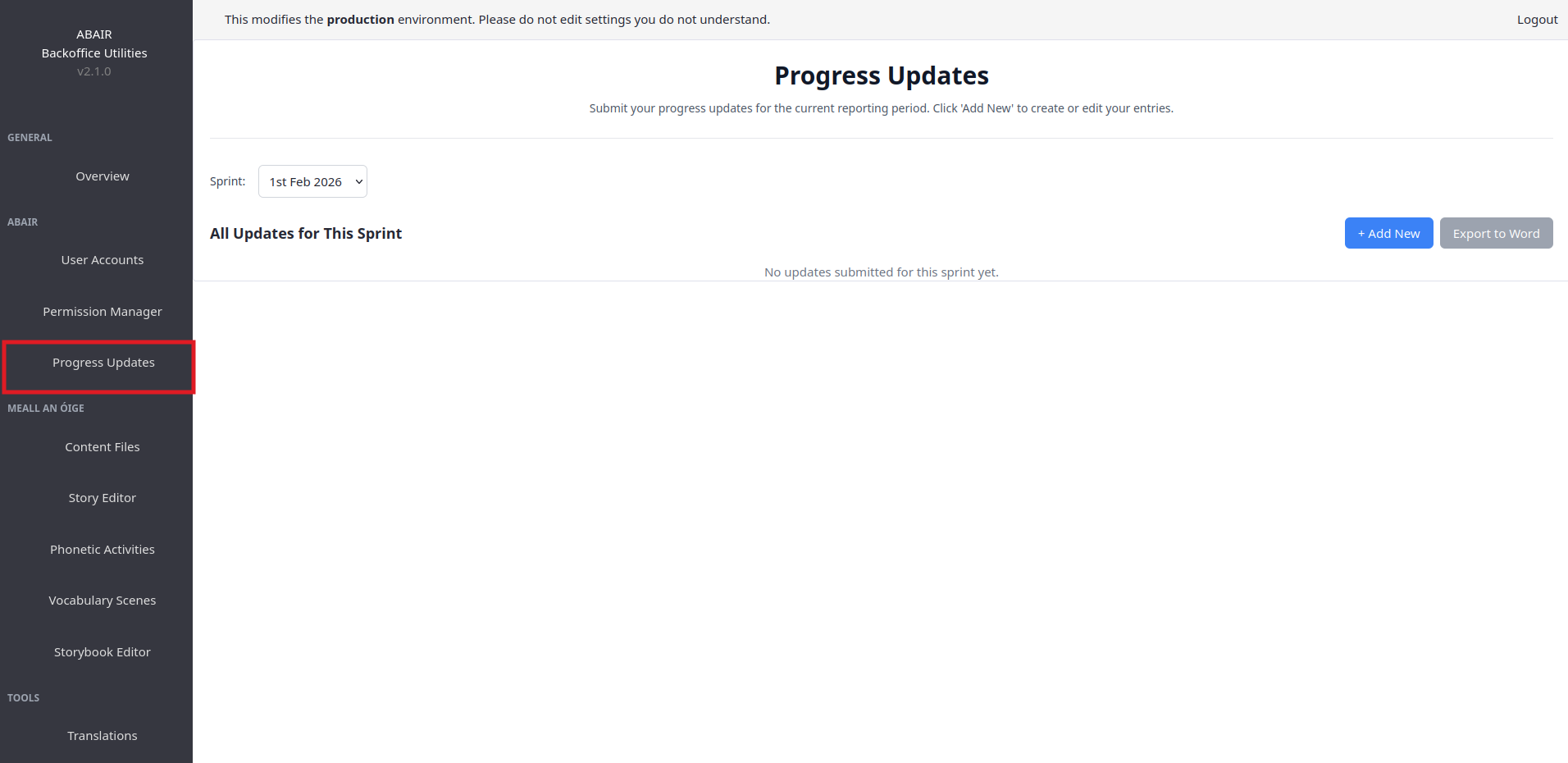
- Go to Progress Updates page in the sidebar
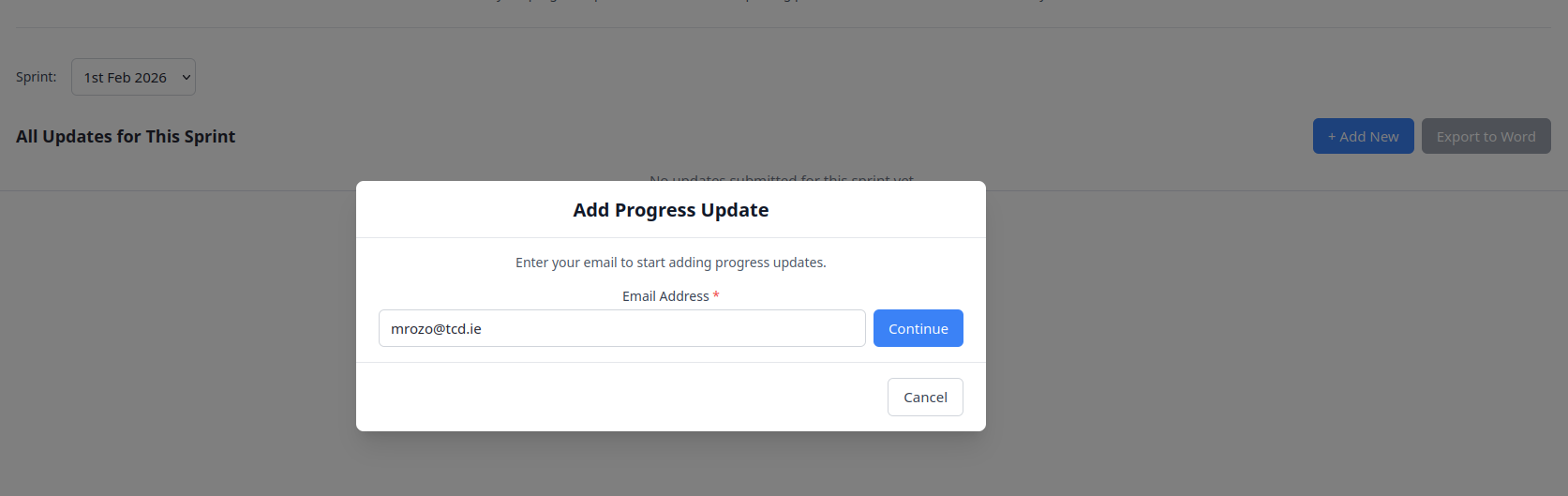
- Click the blue "+ Add New" button
- Enter your email - Start typing and it will suggest emails that have been used before
- Click Continue - The system checks if your email is registered
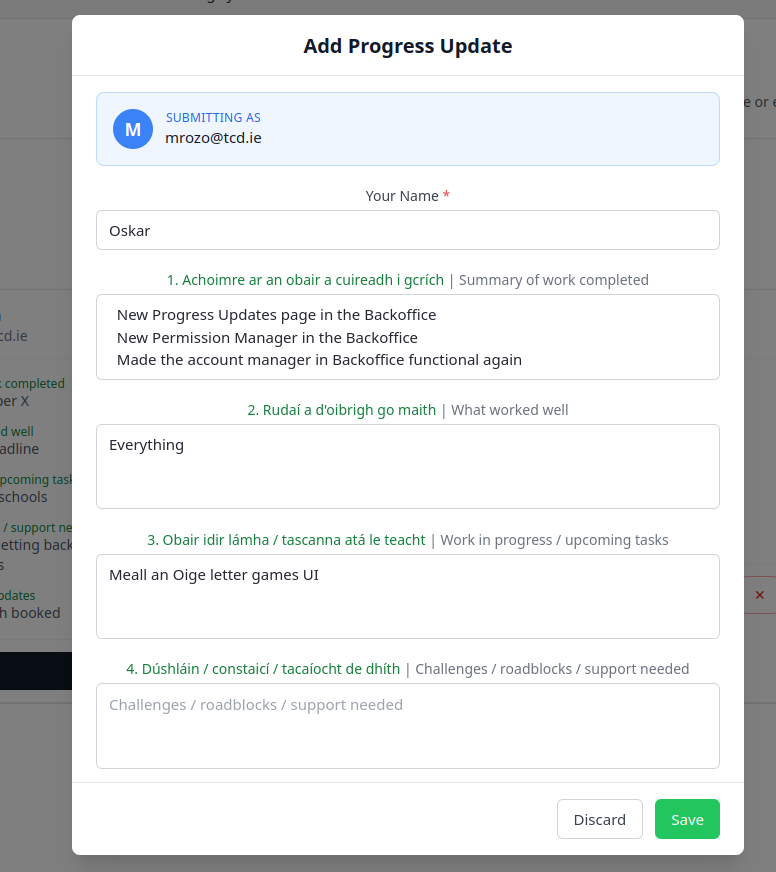
- Fill in your name and add your updates one by one
- Click Save (green button) when done
Editing Existing Updates
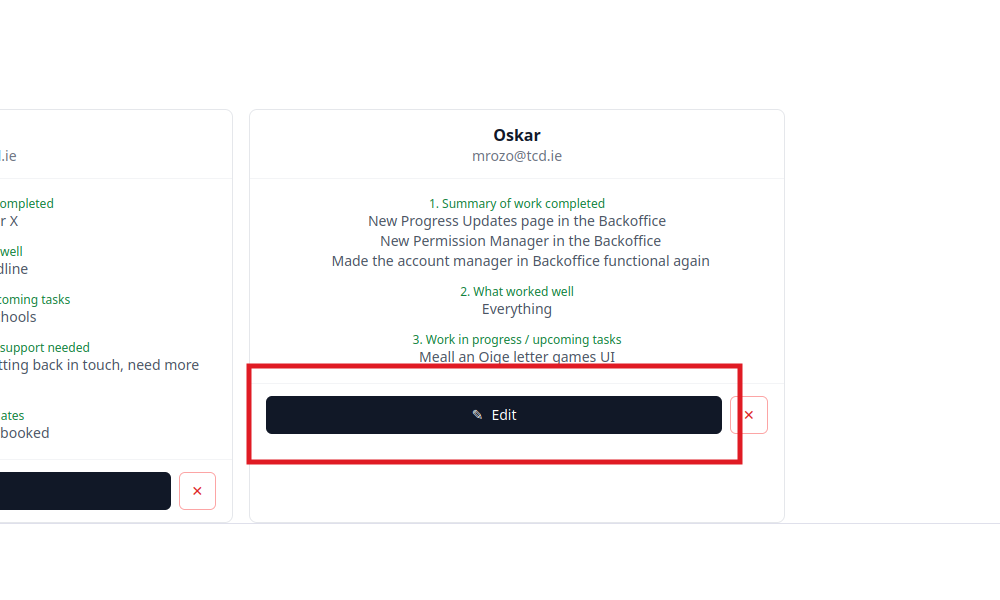
- Find your card in the grid
- Click the Edit button on your card
- Make your changes
- Click Save
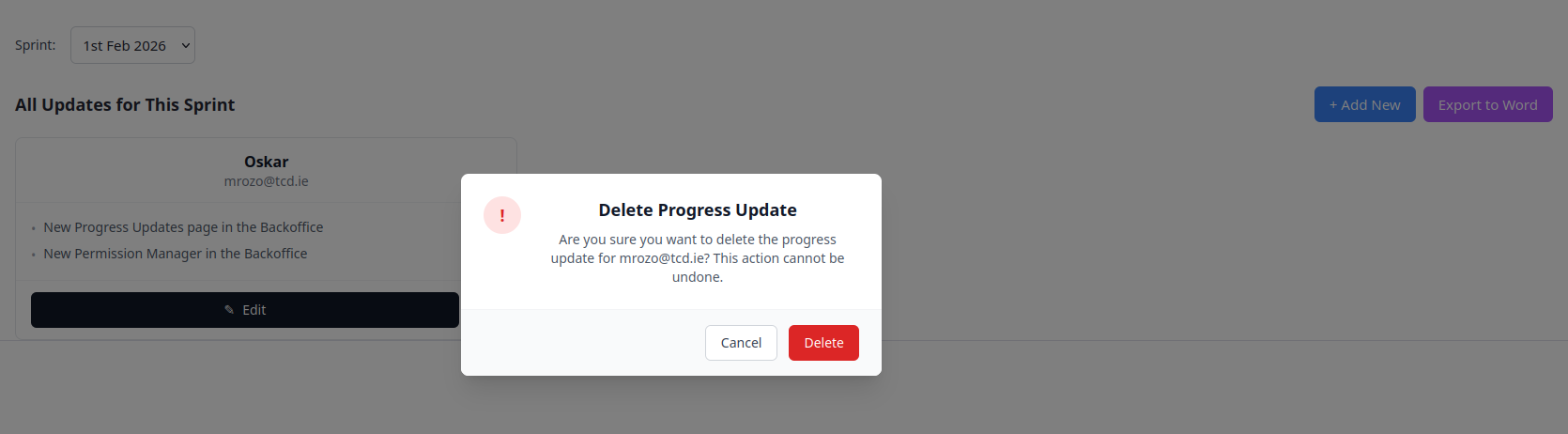
Deleting Existing Updates
- Press the X button in your Sprint Card